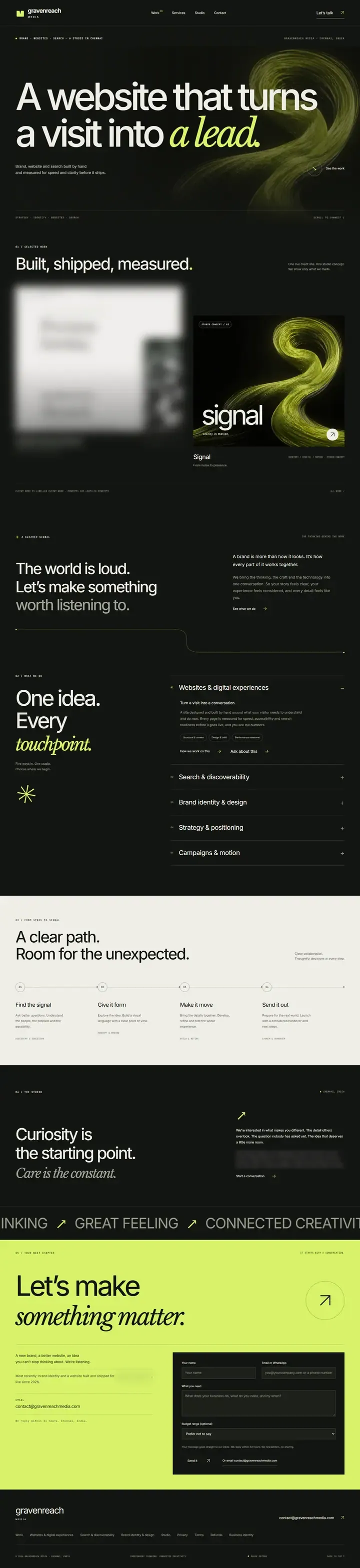
A capture records what a site does at each size, in its states and in motion, before anything is rebuilt. This one covers our home page at three widths, five scroll stops, the menu and button states, a motion check, the requests and weight, and the structure.
Our own site, before and after, captured 21 October 2026.
3page widths: 390, 768 and 1440 pixels
5scroll positions on a phone
4states: menu, link hover, button hover, button tap
47network requests logged, 28 before and 19 after
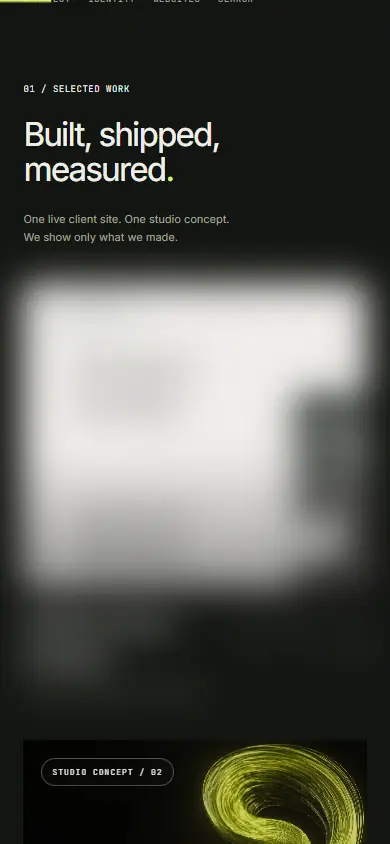
Before is the home page live at gravenreachmedia.com today, captured over the network. After is the build that replaces it, captured on our own machine before it is deployed. Both were opened in Chrome. One client’s name and card on the old site are blurred in the before images.
01 · Side by side
The whole page, both builds.
Each frame holds the full length of the page as the browser drew it. Scroll inside a frame, or open it to full length.
At 390 pixels, a phone
7,048 px long before · 10,392 px after
Before · live site
After · new build
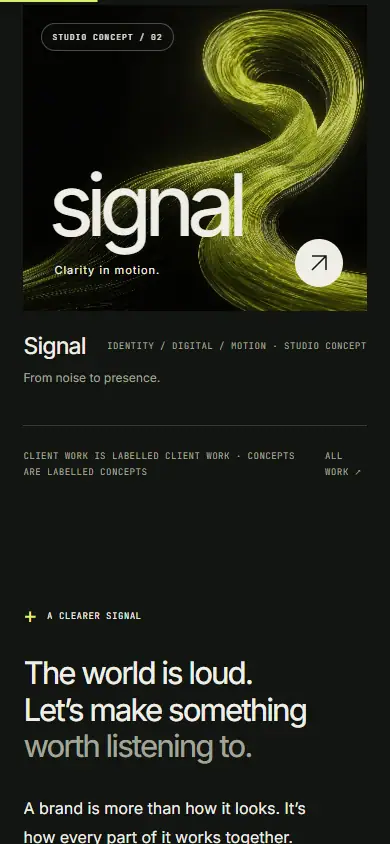
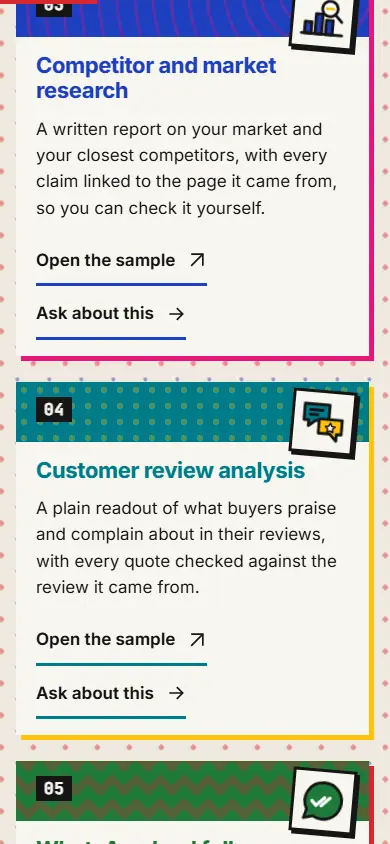
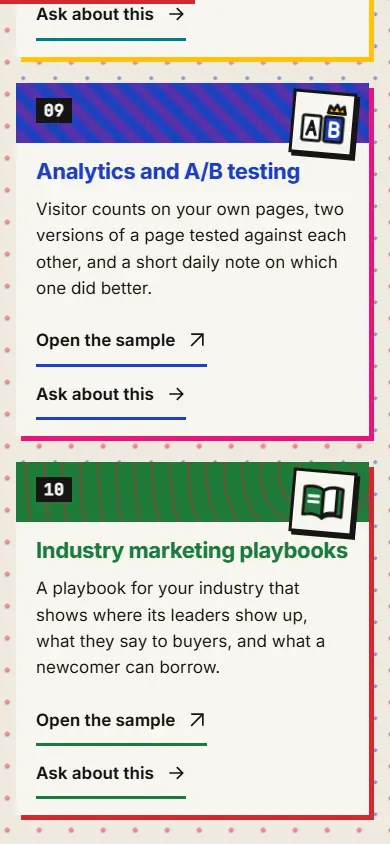
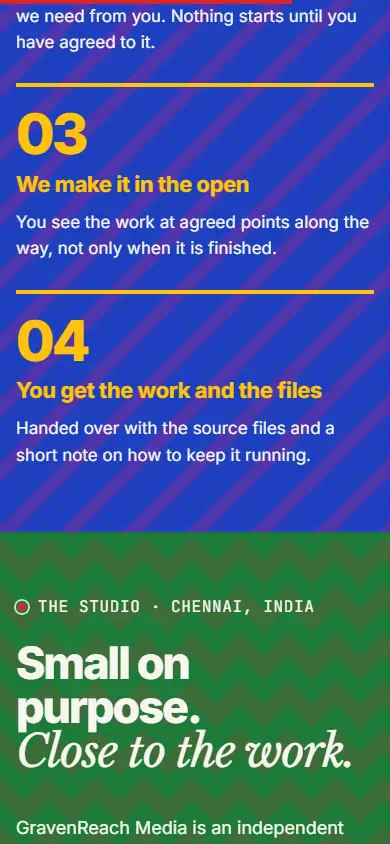
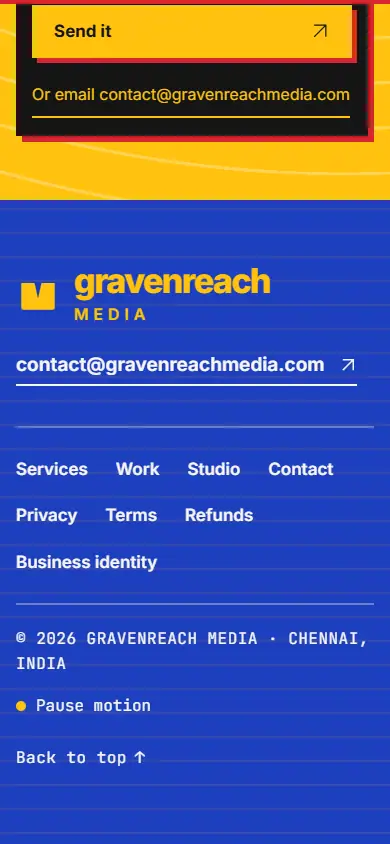
On a phone the old page is dark from top to bottom and runs 8.4 screens. The new one changes colour at every section and runs 12.3 screens, most of the extra length being the ten service cards. Neither page scrolls sideways at any of the three widths.
At 1440 pixels, a laptop
6,274 px long before · 7,332 px after
Before · live site
After · new build
At 768 pixels, a tablet
6,576 px long before · 7,948 px after
Before · live site
After · new build
02 · The scroll, on a phone
Five stops down the page.
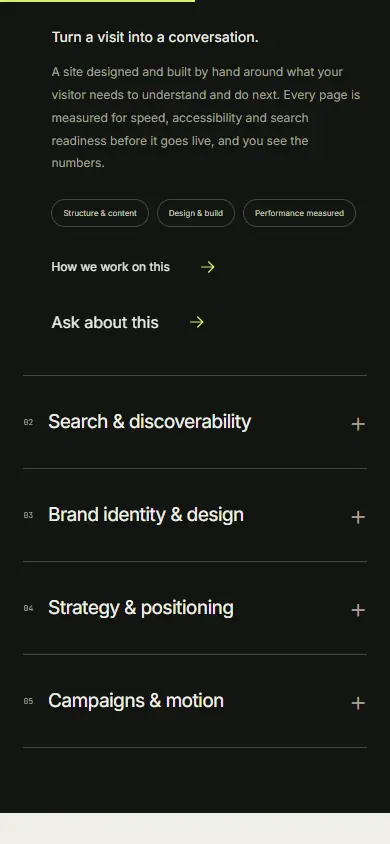
The phone screen at the top, a quarter of the way down, halfway, three quarters and the bottom. Before sits above after at each stop, so the same point in each page is read together.
Swipe the strip sideways to see all five stops.
0%BeforeAfter
25%BeforeAfter
50%BeforeAfter
75%BeforeAfter
100%BeforeAfter
03 · States
What changes when you touch it.
The menu, tapped open at 390 pixels
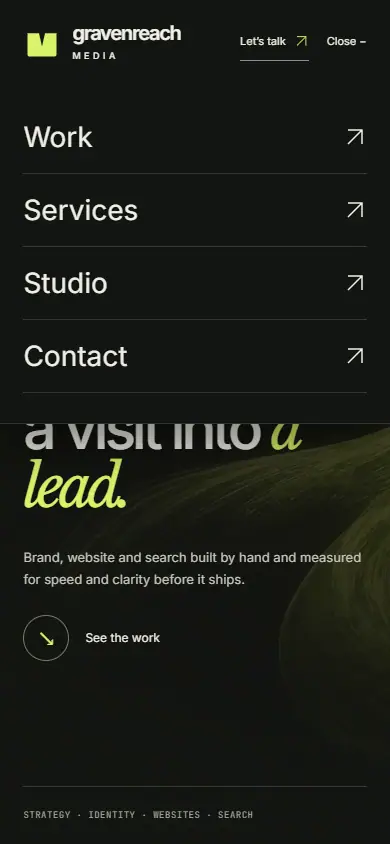
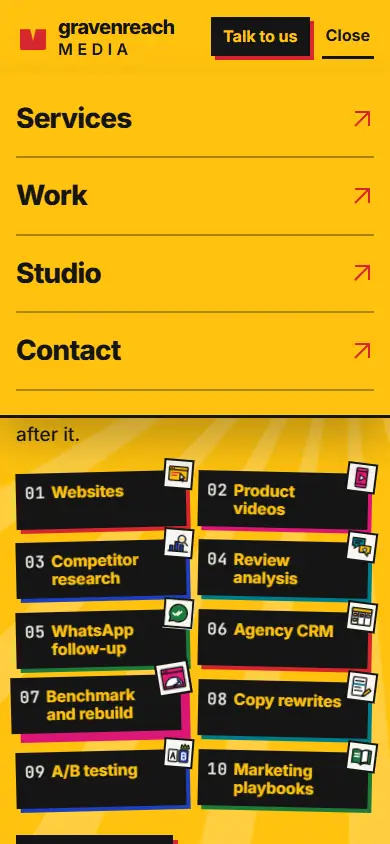
Before opens a dark panel with Work first. After opens a yellow panel with Services first. Both keep the button to talk to us in view.
BeforeAfter
A menu link, at rest and under the pointer at 1440 pixels
Before draws a thin green line under the link. After draws a thick red bar.
BeforeRestPointer on WorkAfterRestPointer on Services
The main button, under the pointer at 1440 pixels
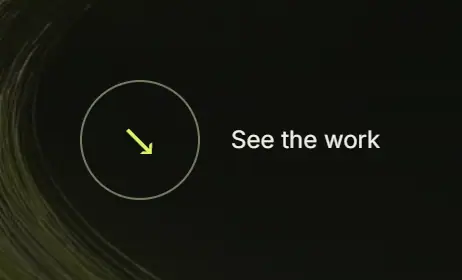
Before, the hero’s first action is See the work: its ring fills green and the arrow turns. After, it is Talk to us: the button lifts and leaves a hard shadow.
BeforeRestPointer on itAfterRestPointer on it
The main button, tapped at 390 pixels
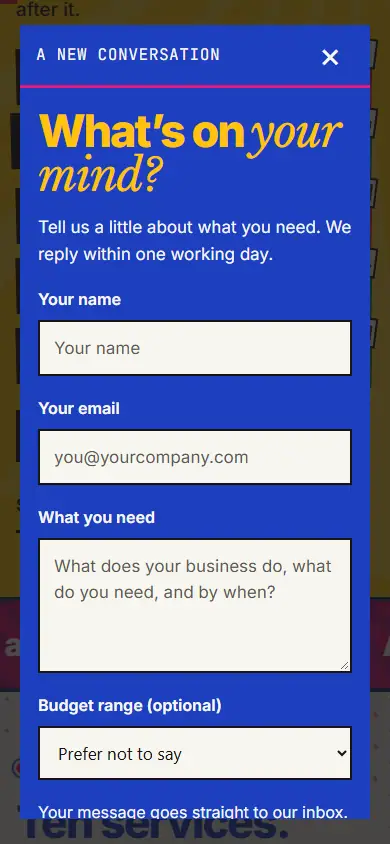
Before, the tap scrolls down to the work. After, it opens the enquiry form over the page.
Before, after the tapAfter, after the tap
04 · Motion
Two frames, 1.5 seconds apart.
The top of each page at 390 pixels, left alone with no scrolling or touching. The two frames are compared pixel by pixel.
Before
Did not move.
0.0 s1.5 s
0.01% of pixels changed at 390 pixels, and none at 768 or 1440. The green swirl is a still picture once the page has loaded.
After
Moved.
0.0 s1.5 s
39% of pixels changed at 390 pixels, 33% at 768 and 36% at 1440. The rays behind the headline keep moving while you read.
05 · Transport
What a phone downloads, and how fast it draws.
Every request the home page makes on a first visit at 390 pixels, with the cache switched off, then Lighthouse on its mobile settings, three runs each, middle result shown.
Requests
Fewer is better.
Before28
After19
Weight over the wire
Compressed, as sent. Lighter is better.
Before567 KB
After234 KB
Lighthouse performance
Out of 100, on a simulated phone and mobile connection. Higher is better.
Before82
After100
Largest paint
Time until the biggest thing on screen is drawn. Sooner is better.
Before4.2 s
After1.1 s
Time the page blocks the phone
While this runs, taps wait. Less is better.
Before30 ms
After40 ms
Accessibility, best practices, search
The other three Lighthouse scores, out of 100.
Before100 · 100 · 100
After100 · 100 · 100
Where the weight goes
Compressed kilobytes, with the number of requests in brackets.
Kind
Before
After
Pictures
188 (3)
0 (0)
Fonts
175 (4)
90 (3)
Scripts
176 (12)
122 (9)
Styles
13 (2)
11 (2)
The page itself
10 (1)
9 (1)
Data and other
5 (6)
3 (4)
From other companies’ servers
2 of 28
0 of 19
The new page makes 9 fewer requests and sends 234 KB against 567, about two fifths of the weight. It carries no photographs and one font file fewer. It draws its main content in 1.1 seconds against 4.2.
Both pages keep the phone free for taps: 40 ms of blocked time after, 30 ms before. Lighthouse marks 90 and above as good. The new build scores 100 and the live one 82.
Before was measured over the network from the live address. After was measured on our own machine, sent compressed the way the live host sends it. Lighthouse 12.8. Scores move a few points from run to run; one of the three after runs scored 93.
06 · Structure
The sections, in order.
Each section as it appears top to bottom, with its heading and its height on a phone.
Before
HeroA website that turns a visit into a lead.760 px
IntroThe world is loud. Let’s make something worth listening to.573 pxDropped
ServicesOne idea. Every touchpoint.1,246 px · 5 services
ProcessA clear path. Room for the unexpected.806 px · 4 steps
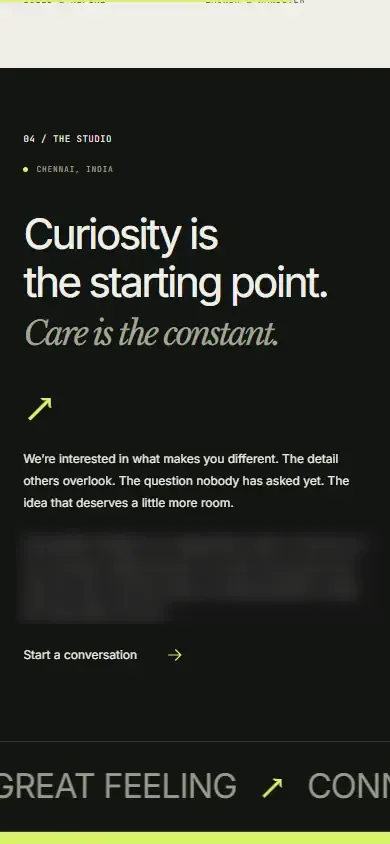
StudioCuriosity is the starting point. Care is the constant.673 px
ContactLet’s make something matter.1,184 px
After
HeroGet noticed. Get chosen.946 px
ServicesTen services. One agency.4,536 px · 10 services
WorkOpen the work.889 px
ProcessPlain steps. No surprises.1,150 px · 4 steps
StudioSmall on purpose. Close to the work.637 px
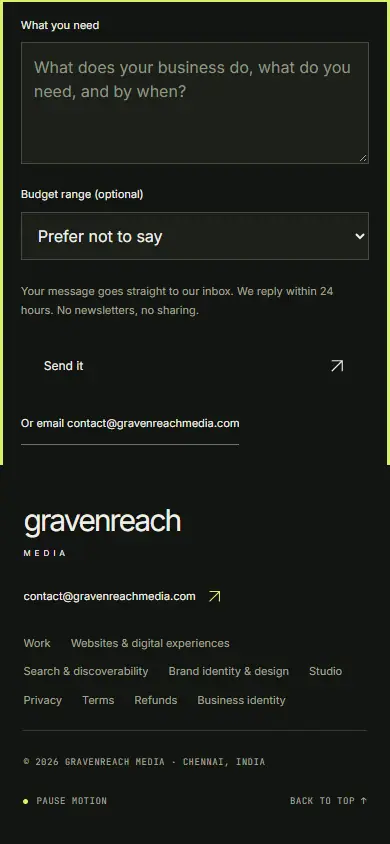
ContactTell us what you’re launching.1,418 px
Services moved from fourth to second and grew from five to ten. The intro section was dropped. Work moved down one place. Both pages keep one top heading and end on a contact form above the footer.
07 · Order a capture
Point us at a site.
A site you admire, or your own. We record it before anyone touches it.
The full record. Every page you name at phone, tablet and laptop widths, full length and scrolled; the menus, links and buttons in each state; what moves and what does not; every request with its weight; the Lighthouse scores; the sections and headings in order.
The side by side. If we rebuild the site, you get the same record of the new build next to the old one, as on this page, so you can see exactly what changed.
Captures of other people’s sites are delivered privately to you and never published. This page shows our own site because it is the only one we are free to show.